
What Is a Pinal County Court Docket
A docket is the running log of a case. It lists each filing, each hearing, each ruling, and the date that event hit the file. In Pinal County, the docket is built by the Clerk of the Superior Court as cases move through court. Each line, called a docket entry or minute entry, is a short note describing what happened. The full case file holds the actual papers. The docket points to those papers and shows the order they were filed.
Pinal County court dockets cover civil suits, felony cases, family law, probate, juvenile matters, traffic, small claims, and eviction. A user can read the docket to see when a case was filed, who the parties are, what the next court date is, and how the case ended. The docket is the fastest way to track case progress without buying full documents. For deeper detail, the file behind the docket entry can be ordered from the Clerk or pulled from Arizona eAccess where the case is covered.
The Pinal docket is held by the Clerk's office under the elected Clerk of the Superior Court, Rebecca Padilla. The Clerk acts as the official record keeper and financial officer for the Superior Court. Minute entries, docket lines, and exhibit lists all sit under that office. The Clerk's About page describes the role as Administrator of Court Records and Exhibits. That is why a docket question goes to the Clerk and not to a judge's chambers.
How to Find Pinal County Dockets Online
The free path to a Pinal County docket starts at the Arizona Judicial Branch Public Access to Court Information portal. The portal is free. It is an index, not the official court record. Case data is updated weekly, each Friday, to reflect case information through the prior Wednesday. The Pinal Clerk also tells users to log onto the Arizona Courts site to find case numbers before sending in a copy request, because a missing case number can trigger a $35 research fee per year searched.
The portal has a verification gate. A short CAPTCHA word must be typed and submitted before any search runs. The portal notes that users should click the Submit button rather than press Enter when the CAPTCHA gives trouble. After the CAPTCHA clears, the search form opens. From there a user can run a name search or a case number search. The case number example given by the portal is CV-200812345.
- Open the Arizona Public Access case search page and clear the CAPTCHA gate by typing the random verification word.
- Pick name search or case number search. For a name search, type the last name or business name. First name and year of birth are optional and help narrow common names.
- Filter by court when known. The Pinal options in the dropdown include Pinal County Superior, the eight Pinal justice courts, and the Pinal municipal courts. Leaving the dropdown on all searchable courts will sweep the whole state.
- Run the search and open the case from the result list. The docket tab shows every event, every minute entry, and every hearing tied to that case.
- For documents, switch to Arizona eAccess. Civil and criminal Superior Court documents filed on or after July 1, 2010, are sold per item or by subscription. Sealed and confidential records do not appear.
- For older files, certified copies, or records the portal does not show, file the Pinal Clerk's Request for Court Records form. The office contacts the requester within five business days to confirm fees, then allows five more business days after payment for delivery.
Note: Pinal users often search the county government site for dockets and find nothing, because the case index lives on the statewide Arizona Judicial Branch system, not on Pinal.gov.
Live Court Streams and the Pinal Docket
Pinal streams select criminal and civil hearings through the Clerk's Listen to Court Live page. The page lists individual courtrooms and hearing rooms by judge.
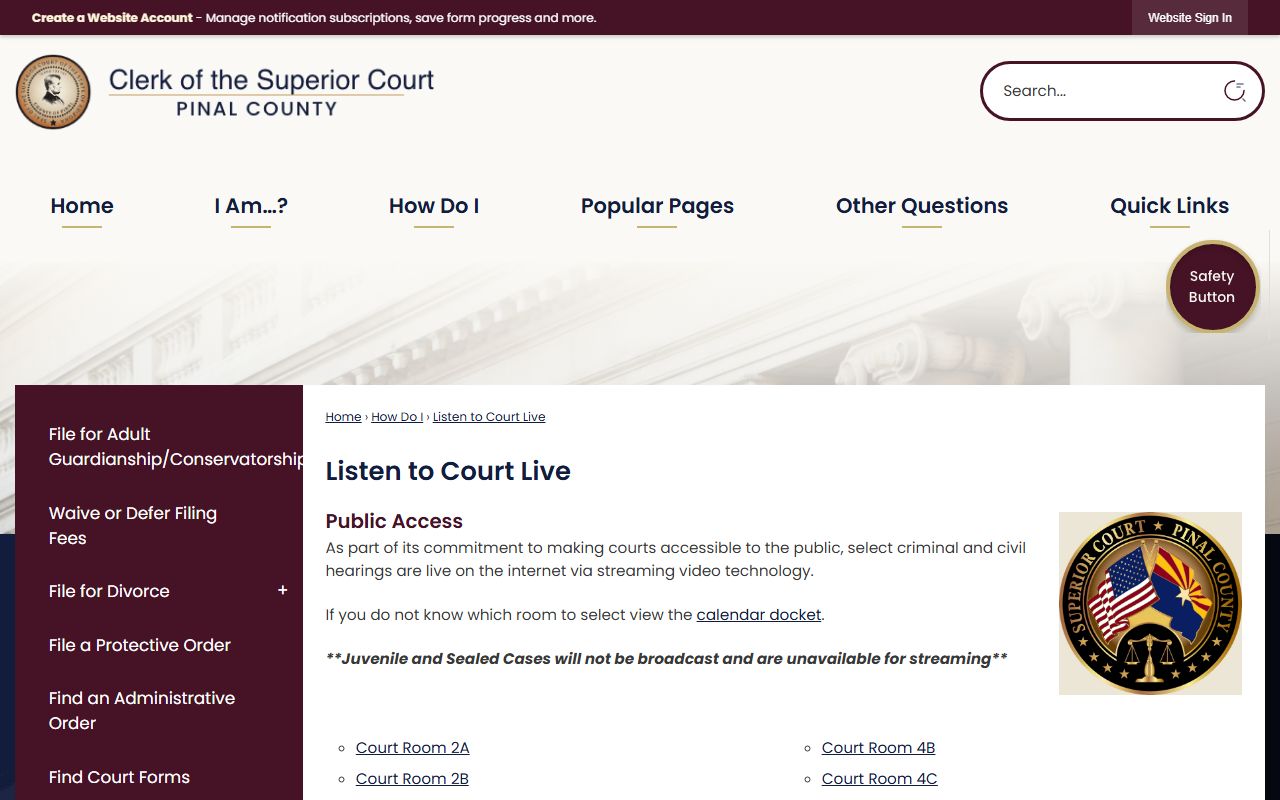
The Clerk tells users who do not know which courtroom to pick to view the calendar docket first, then match the room to the case. Juvenile cases and sealed cases are not streamed. A live audio feed is not a record copy. To order the minute entry, written ruling, or full document tied to a streamed hearing, use the Clerk's Request for Court Records path or buy the document on eAccess where covered.
Sample Pinal County Docket Entry
Each line of a Pinal docket is short. It names the event, the date, and sometimes the party who filed it. The case header above the docket lines holds the case number, parties, court, judge, and case type. Read together, the header and the docket lines paint a clean picture of the case. The table below maps the parts of a typical Arizona docket index entry to what each field shows.
| Field | What It Shows |
|---|---|
| Case Number | Case-type prefix plus year and sequence. Pinal Superior civil sample: CV-200812345. Justice and municipal cases use court-specific formats. |
| Court | Pinal County Superior, a named Pinal justice court, or a Pinal municipal court. |
| Filing Date | Date the complaint, petition, citation, or information first hit the Clerk's office. |
| Parties | Plaintiff and defendant in civil; petitioner and respondent in family; State of Arizona v. defendant in criminal. |
| Charges or Cause | Felony or misdemeanor counts in criminal; civil case category in civil; petition type in family or probate. |
| Status or Disposition | Pending, active, judgment entered, dismissed, convicted, acquitted, sealed, transferred, closed. |
| Sentence or Judgment | Sentence, probation terms, restitution, fines, or civil money judgment after a final order. |
| Hearings | Date, time, courtroom, judge, and event type for past and future hearings. |
| Docket Events | Complaint filed, summons issued, motion filed, response filed, hearing held, order entered, warrant issued or quashed, judgment entered, continuance. |
| Financial | Filing fees paid, fines, surcharges, restitution, bond, probation fees, and civil money awards. |
Note: Some fields on the docket are redacted by court rule, including Social Security numbers, full dates of birth, financial account numbers, and victim or witness data.
Pinal Courts Searchable on the Docket Portal
The Public Access dropdown for Pinal County is long. Superior Court in Florence handles felonies, large civil cases, family law, probate, and juvenile. The eight justice courts handle small claims, eviction, civil traffic, criminal traffic, misdemeanors, initial appearances, and protective orders. The seven municipal courts handle city ordinance cases, city misdemeanors, and city traffic. All of these courts feed dockets into the same statewide search tool, so a single name lookup can pull cases from any of them.
| Court | Type | What the Docket Covers |
|---|---|---|
| Pinal County Superior Court | General jurisdiction | Felonies, civil over $10,000, family law, probate, juvenile, appeals from limited-jurisdiction courts. |
| Apache Junction Justice Court | Justice court | Small claims, eviction, traffic, misdemeanors in the Apache Junction precinct. |
| Casa Grande Justice Court | Justice court | Civil traffic, criminal traffic, misdemeanors, evictions in Casa Grande precinct. |
| Central Pinal Justice-Eloy | Justice court | Limited jurisdiction matters in the Eloy area. |
| Central Pinal Justice-Florence/Coolidge | Justice court | Limited jurisdiction matters in the Florence and Coolidge precinct. |
| Copper Corridor Justice-Mammoth/San Manuel | Justice court | Limited jurisdiction matters in Mammoth and San Manuel. |
| Copper Corridor Justice-Oracle | Justice court | Limited jurisdiction matters in Oracle and nearby communities. |
| San Tan Justice Court | Justice court | Limited jurisdiction matters in San Tan Valley. |
| Western Pinal Justice Court | Justice court | Limited jurisdiction matters in Maricopa and western Pinal. |
| Apache Junction Municipal | Municipal | City ordinance, city misdemeanors, city traffic. |
| Casa Grande Municipal | Municipal | City ordinance, city misdemeanors, city traffic. |
| Coolidge Municipal | Municipal | City ordinance, city misdemeanors, city traffic. |
| Eloy Municipal | Municipal | City ordinance, city misdemeanors, city traffic. |
| Florence Municipal | Municipal | Town ordinance, town misdemeanors, town traffic. |
| Maricopa Municipal | Municipal | City ordinance, city misdemeanors, city traffic. |
| Superior Municipal | Municipal | Town ordinance, town misdemeanors, town traffic. |
Some Pinal cases are not on the docket portal. Sealed cases, cases involving orders of protection, mental health files, probate cases, and victim or witness data are excluded. Juvenile incorrigible and delinquency cases are blocked from public view. Local ordinance charges may not appear at all. For those, contact the court of record directly or file a Clerk request.
Why Pinal Has So Many Courts on the Docket List
The Arizona court ladder has four rungs: the Arizona Supreme Court, the Arizona Court of Appeals, the Superior Court of Arizona, and limited-jurisdiction courts. Justice courts and municipal courts sit on the bottom rung. They are the busiest courts by case count. Most Pinal residents who get a citation or get sued for a small sum will see a justice court docket, not a Superior Court docket. The Judicial Branch explains how these courts split work on its Limited Jurisdiction Courts page.
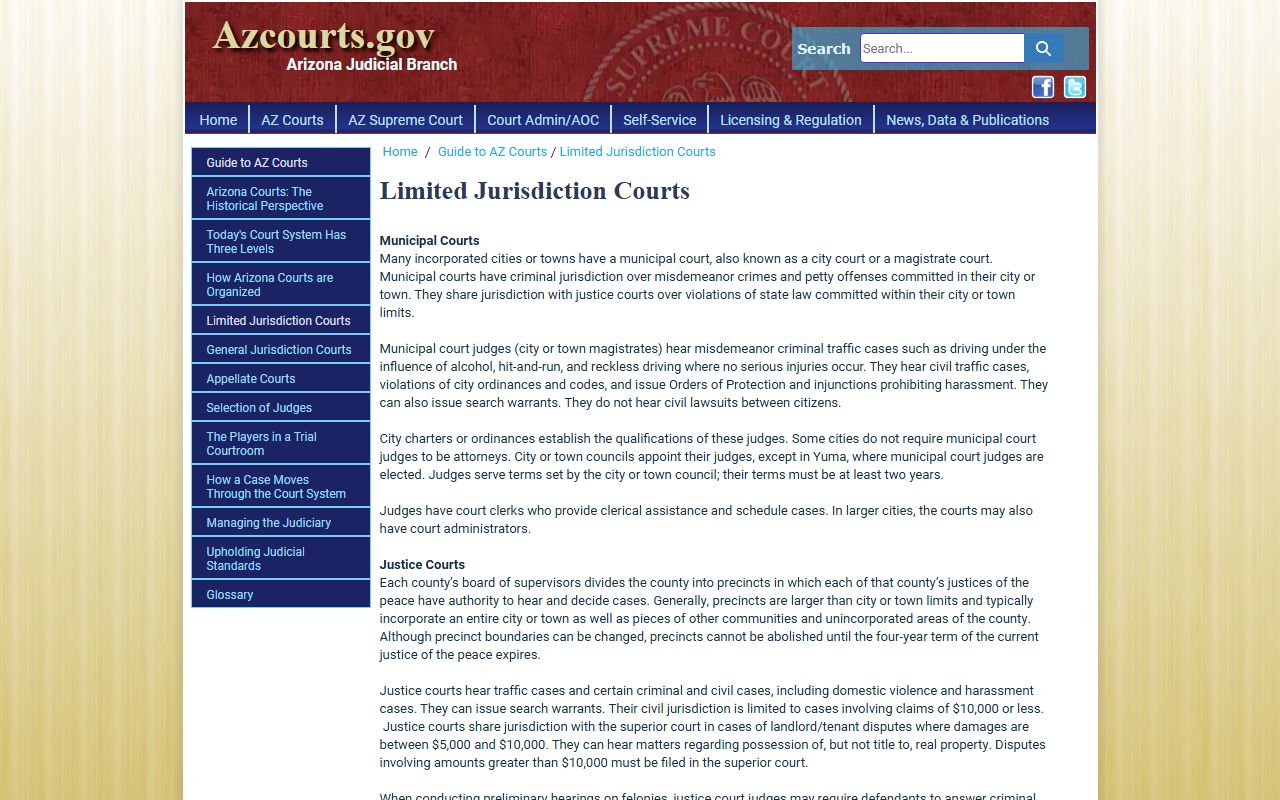
The Pinal Public Access dropdown matches this structure. Pinal County Superior shows up once as a general jurisdiction court. The eight justice courts show up as separate precinct entries. The seven city and town courts show up as separate municipal entries. A name search across all of them at once is the fastest way to find every Pinal case for a single person. A search filtered to one court is faster when the user already knows where the case was filed.
Docket vs. Full Case Record
The docket and the case file are not the same thing. The docket is a chronological list of events. The case file is the paper or PDF behind each event. Pinal lets users see the docket for free through Public Access, but the full case file is sold or restricted. Knowing the gap saves time and money. A user who only needs to know the next hearing date should stop at the docket. A user who needs the court order, the plea agreement, or the judgment must go further.
| Docket | Full Case Record | |
|---|---|---|
| Format | Short list of events, dates, and parties. | Full pleadings, motions, orders, transcripts, and exhibits. |
| Access | Free through Arizona Public Access after CAPTCHA. | Paid through Arizona eAccess or by Clerk request. |
| Update Speed | Weekly refresh each Friday for events through Wednesday. | Reflects the file as held by the Clerk on the date pulled. |
| Use | Track case progress, find a case number, find a hearing date. | Legal review, appeal prep, evidence, background detail. |
| Official Status | Not the official court record. Verify against the Clerk. | Certified copies from the Clerk carry official weight. |
| Fees | Free. | Per-document or subscription on eAccess; $0.50 per page and $35 per certification at the Clerk. |
| Restricted Cases | Sealed, juvenile, probate, mental health, and orders of protection are excluded. | Mental health, dependency, severance, and adoption are not available for public review. |
How to Read a Pinal County Docket Line
Most Pinal docket lines start with a date and a short event tag. The tags are short for a reason. Court clerks log dozens of events per case, and a one-line tag keeps the file clean. Once a user learns the common tags, reading a docket gets fast.
- Complaint Filed
- The first paper that starts a civil or misdemeanor case. The date here is the case filing date.
- Information / Indictment
- The formal charge in a felony case. An indictment comes from a grand jury. An information comes from the prosecutor.
- Summons Issued
- The Clerk has issued the notice telling the defendant to respond or appear.
- Service Filed
- The party who served the papers has filed proof of service with the court.
- Motion Filed
- A party asks the court for a ruling during the case. A response motion follows from the other side.
- Order Entered
- The judge has signed a written ruling. Order text lives in the case file, not in the docket line.
- Minute Entry
- The official summary of what happened in the courtroom that day. Minute entries can be purchased through eAccess or ordered from the Clerk.
- Judgment Entered
- A final decision has been entered. In a civil case, this is the money or relief awarded. In a criminal case, it is the conviction record.
- Warrant Issued / Quashed
- The judge has issued an arrest warrant, or has lifted one. Bench warrants for failure to appear show up here.
- Continuance
- A hearing was moved to a later date. The new date should appear on a later line.
Disposition codes follow the case to the end. Pending and active mean the case is open. Dismissed means the court let the case go without a ruling on the merits. Convicted, acquitted, and judgment mean the case has been decided. Sealed means the docket is hidden from public view by court order or by statute. Set aside under A.R.S. § 13-905 means a conviction judgment was dismissed after sentence completion, though the record itself is not erased.